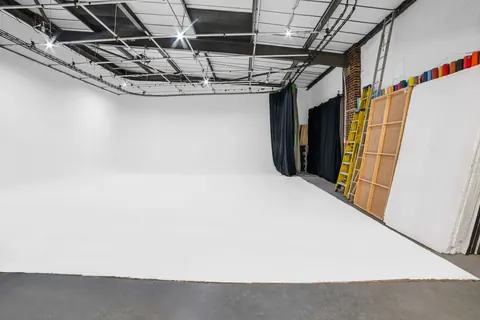
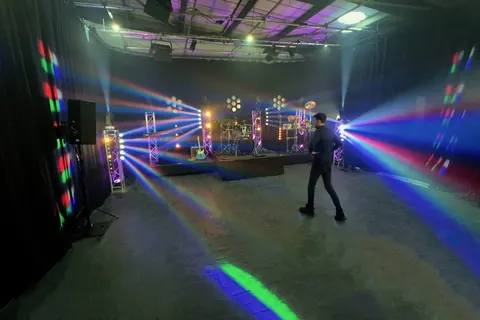
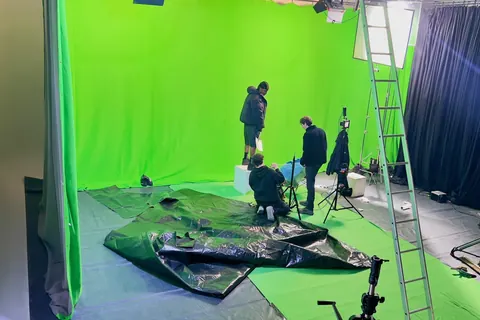
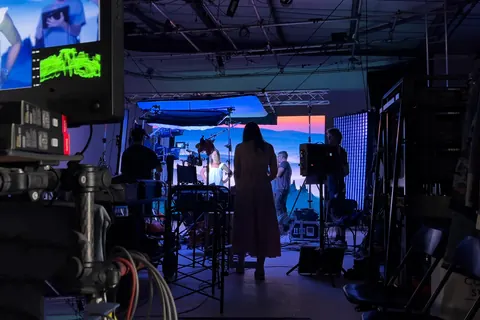
See the environment on set.
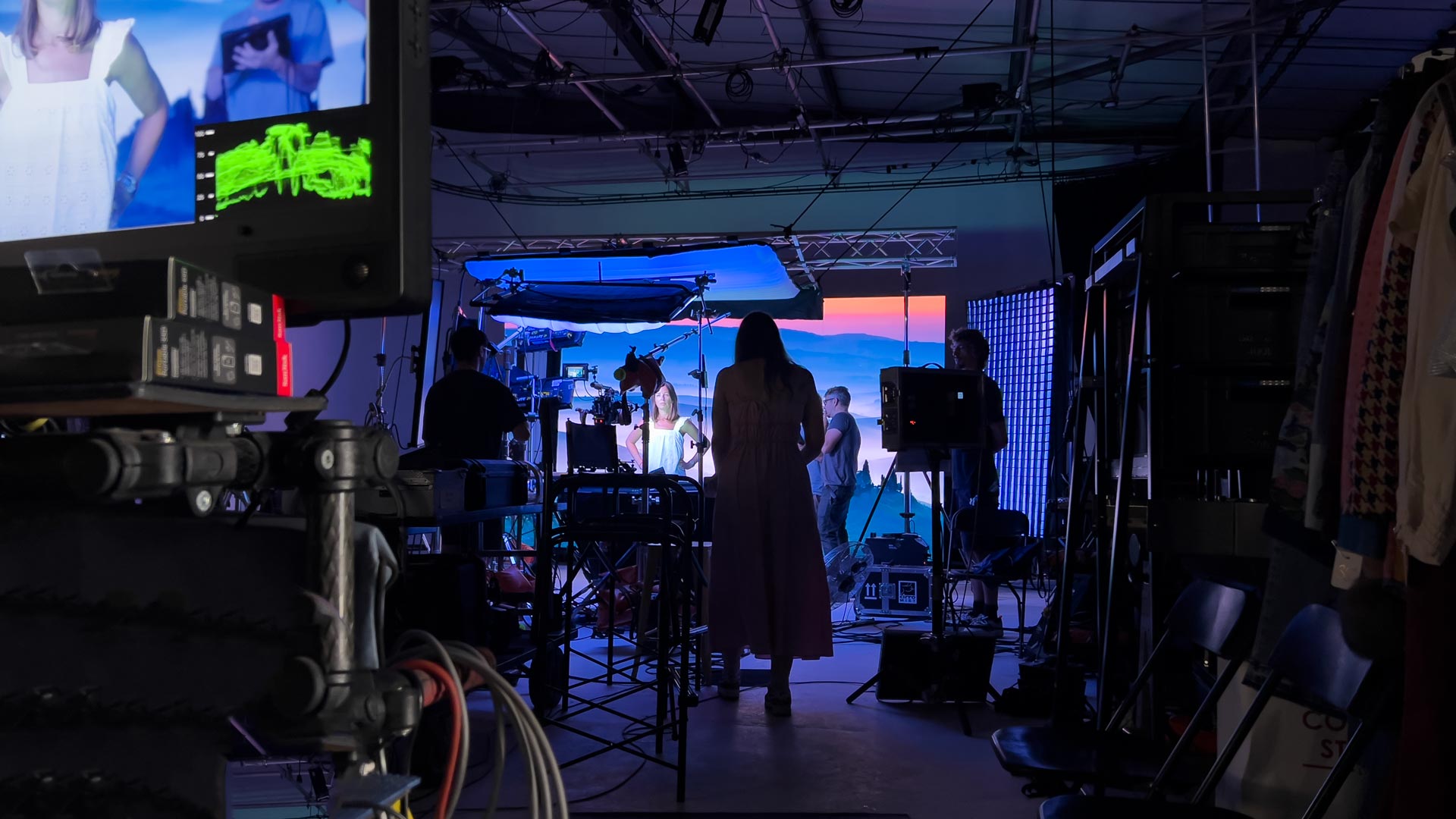
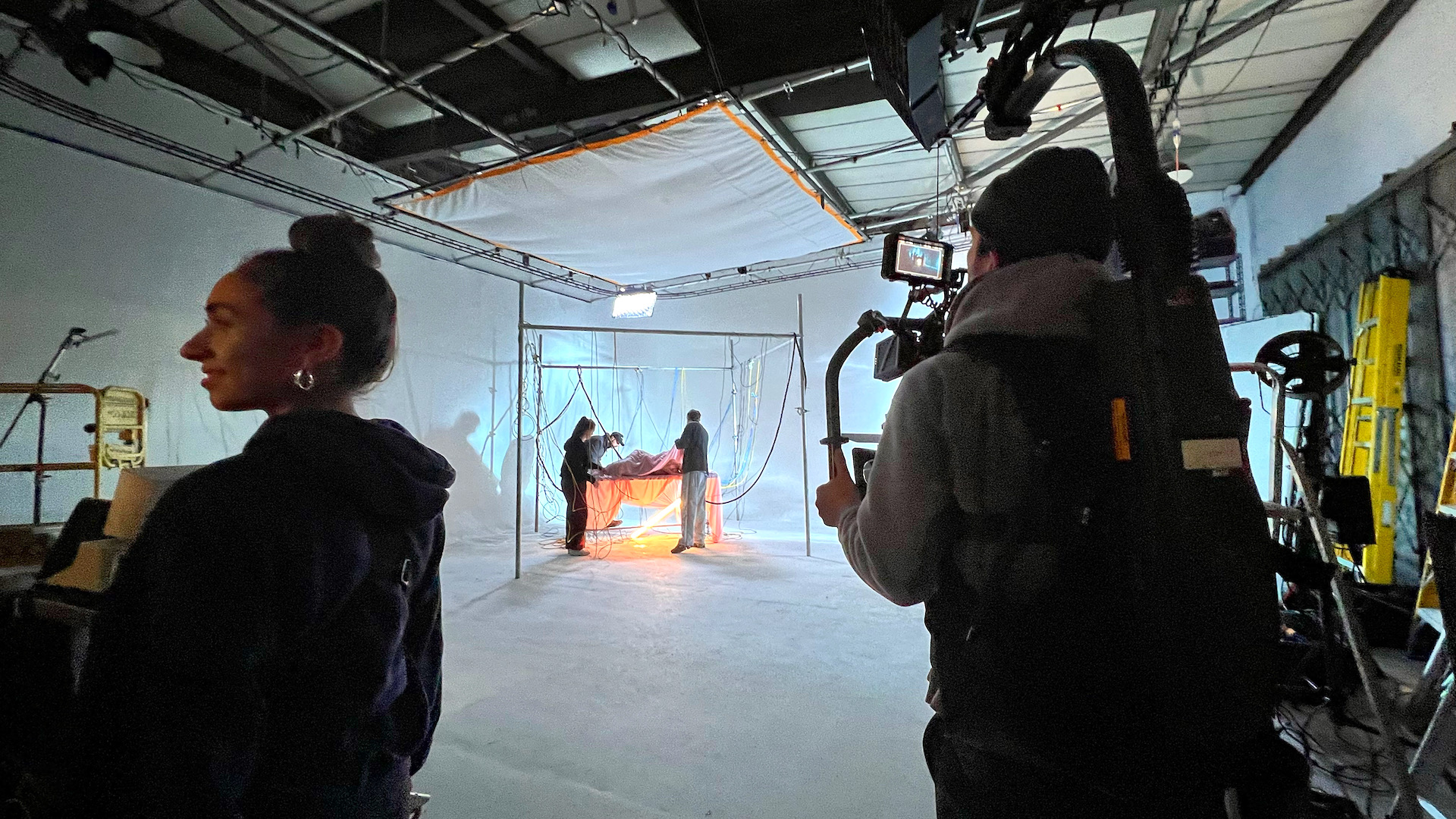
Give the director, performer and camera team a visible setting to work with. Combine the screen with practical lights and foreground elements for the intended shot.

Virtual production studio hire · Greenwich, London
Bring digital environments and real subjects together on a 4.5m × 2.5m LED wall. Plan playback plates or a tracked Unreal workflow with our in-house technical specialist.
Open to first-time studio users and experienced production teams.
Made for your production
Choose a production type to explore what the LED wall can bring to the frame. We will match the content, framing and camera workflow to your brief.
Film & short films
Combine a digital environment with practical lighting, foreground props and a carefully planned camera position. Use a plate or discuss tracked perspective for an Unreal scene.
Plan your shoot: Send the storyboard, lens choices, camera movement and environment references.
Discuss your virtual production studio shoot ↗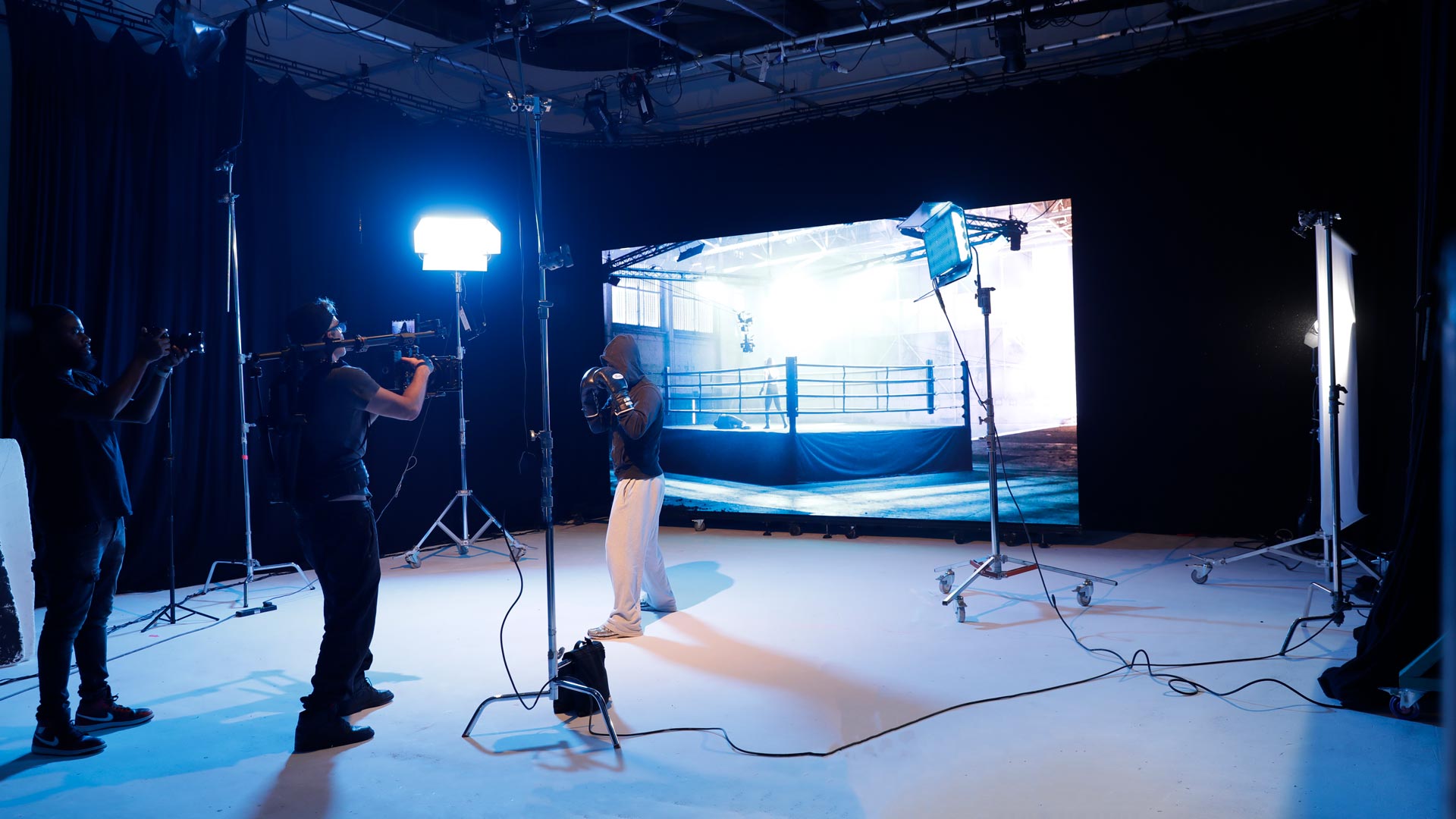
Commercials & branded
Build campaign scenes around a product or performer and switch approved backgrounds within the shoot. Prepare the assets and shot plan before the day so each setup has a clear purpose.
Plan your shoot: Share the deliverables, brand assets, frame sizes and background variations.
Discuss your virtual production studio shoot ↗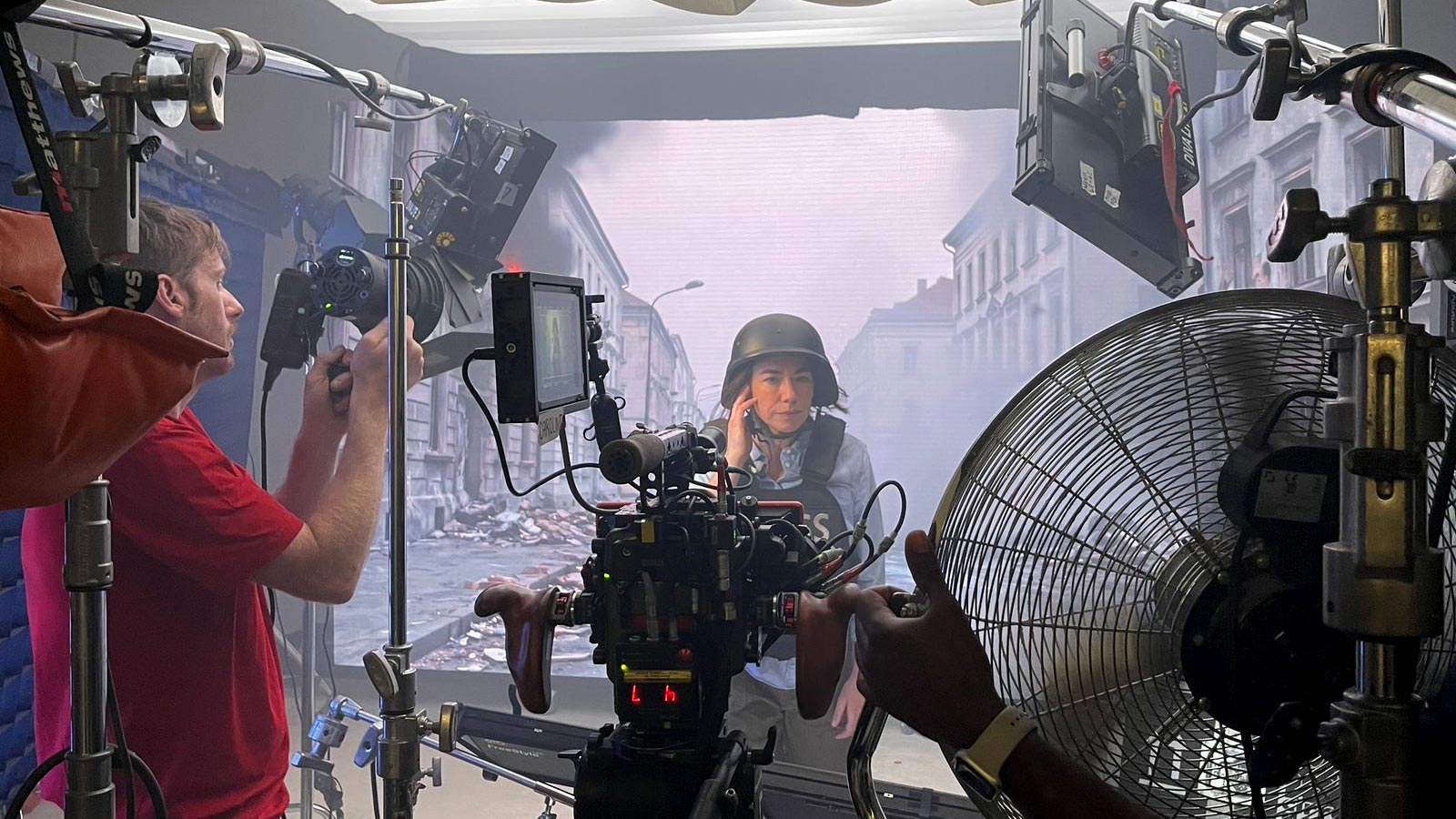
Music videos
Use atmospheric environments, graphic motion or performance-led playback as part of the look. Coordinate screen content with practical lighting and the music-video shot list.
Plan your shoot: Send the track, visual references, performer count and playback cues.
Discuss your virtual production studio shoot ↗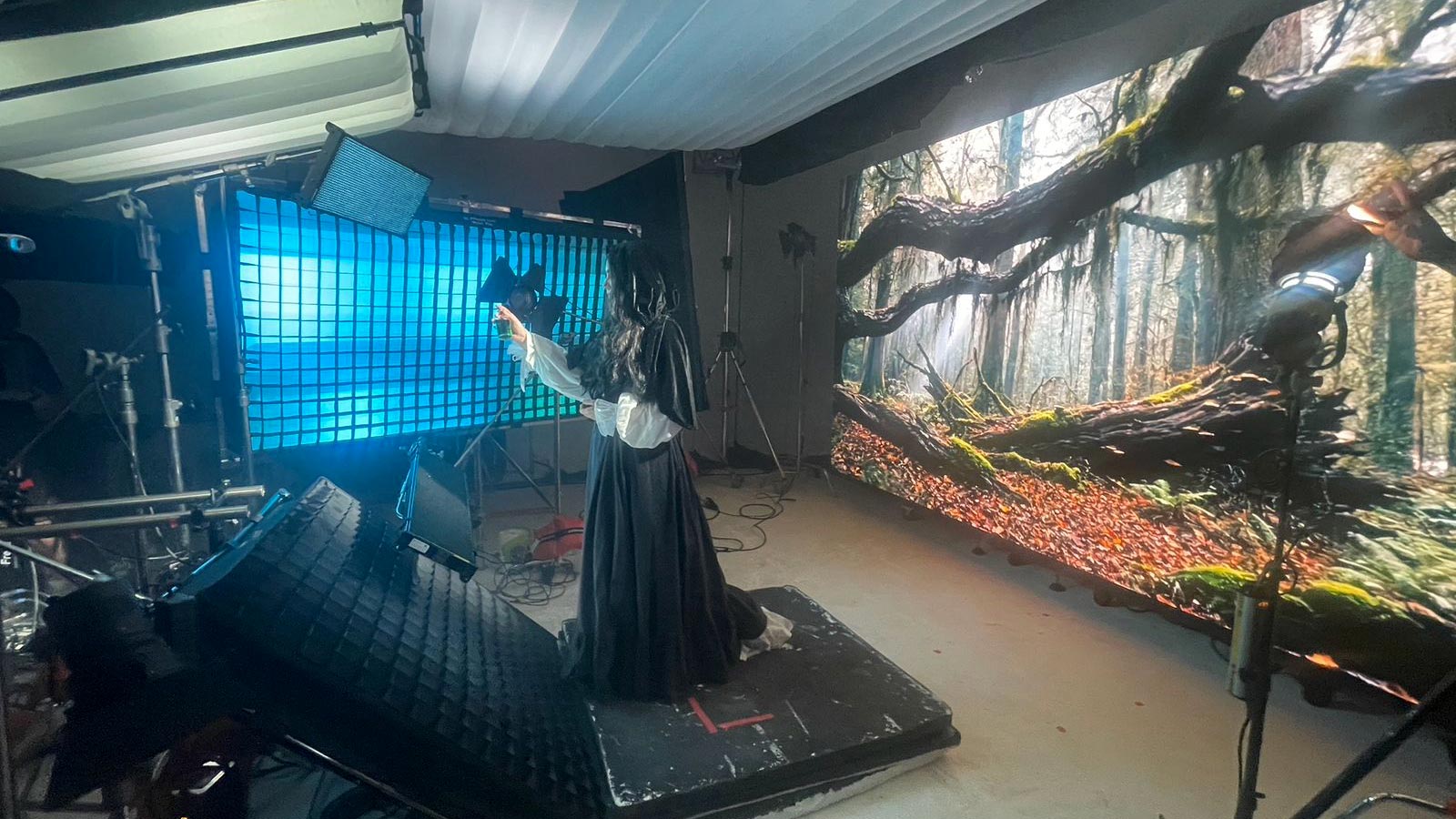
Fashion & editorial
Create controlled fashion and portrait scenes with an LED environment in frame. Plan how the displayed colours, practical lights and wardrobe work together on camera.
Plan your shoot: Share references, garment materials, talent numbers and the intended crop.
Discuss your virtual production studio shoot ↗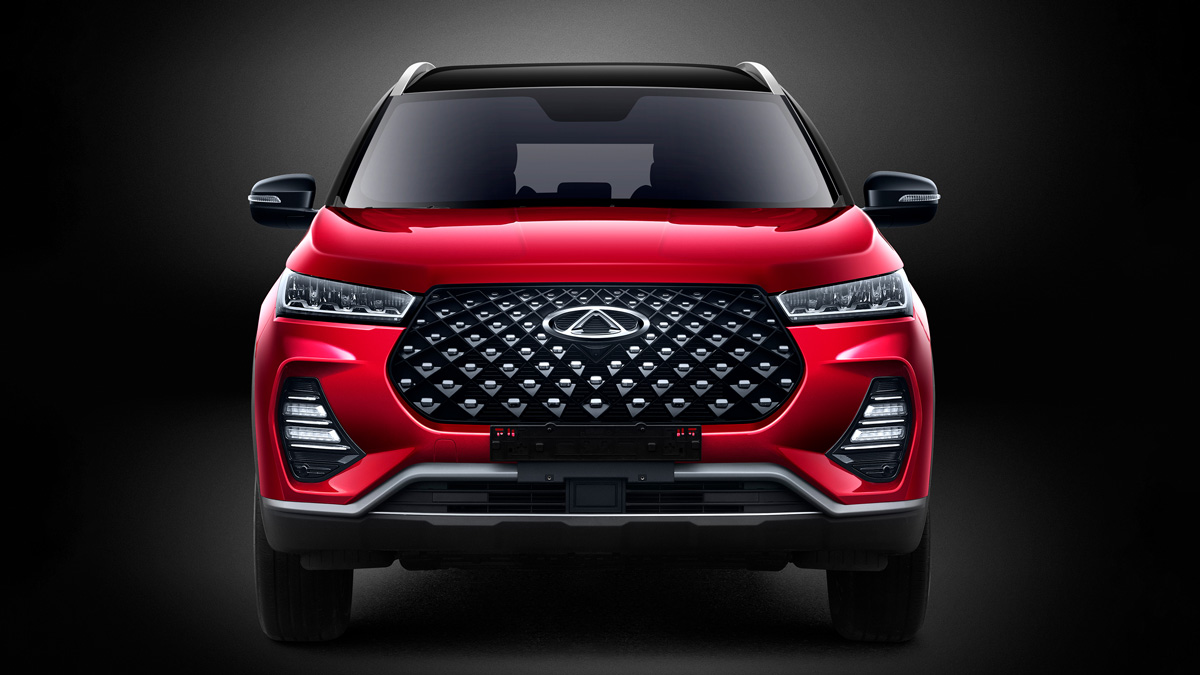
Car interiors
Discuss suitable vehicle-interior angles with playback plates or an agreed virtual scene. The wall is 4.5m × 2.5m, so lens choice, window coverage and framing need planning.
Plan your shoot: Send the vehicle dimensions, exact angles and the lens and camera movement you want.
Discuss your virtual production studio shoot ↗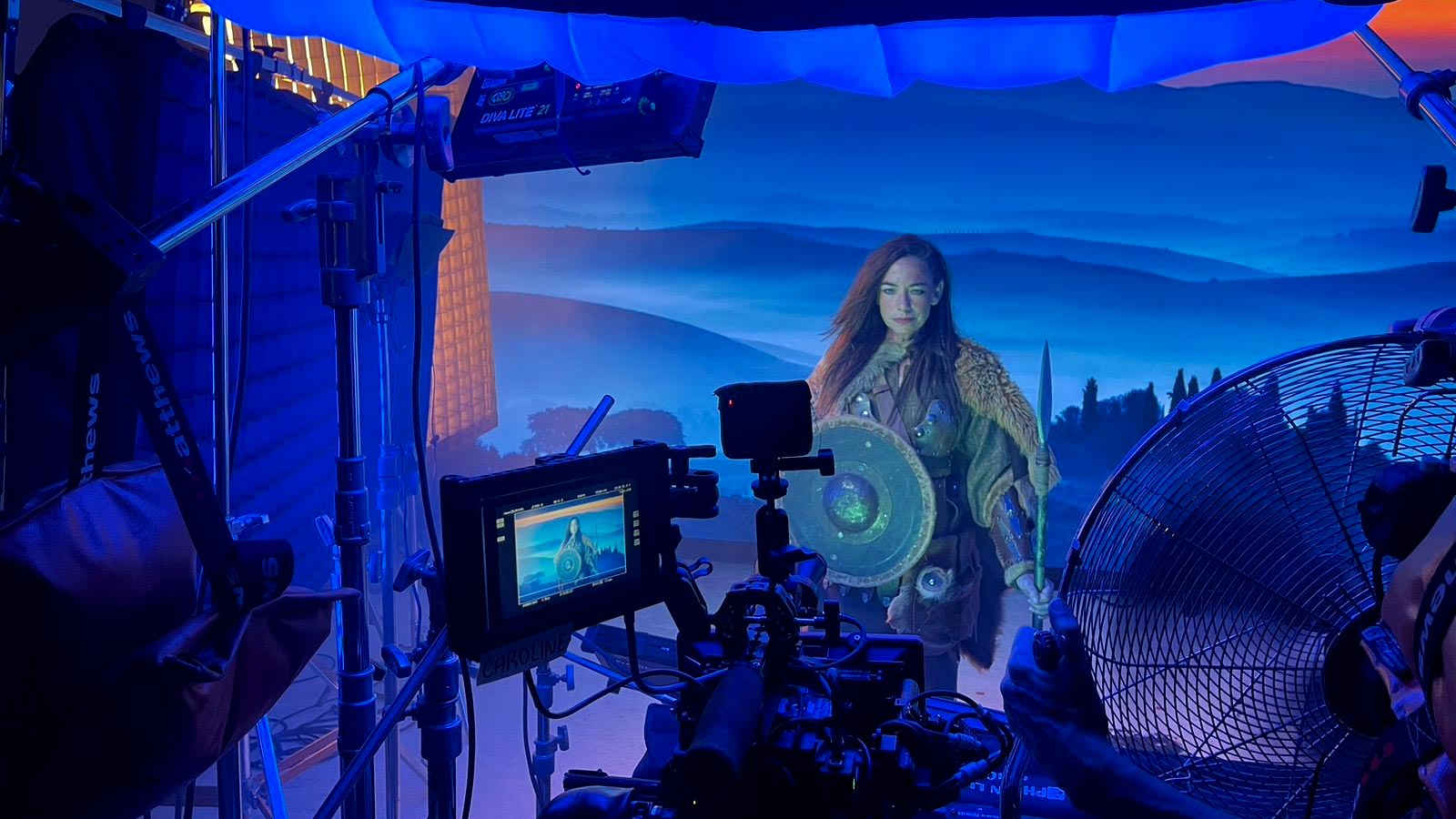
Products & still life
Use the screen as a visible environment or part of a controlled product setup. Review reflections, distance, depth of field and practical foreground elements in a camera test.
Plan your shoot: Share product size, surface finish and reference frames before preparing content.
Discuss your virtual production studio shoot ↗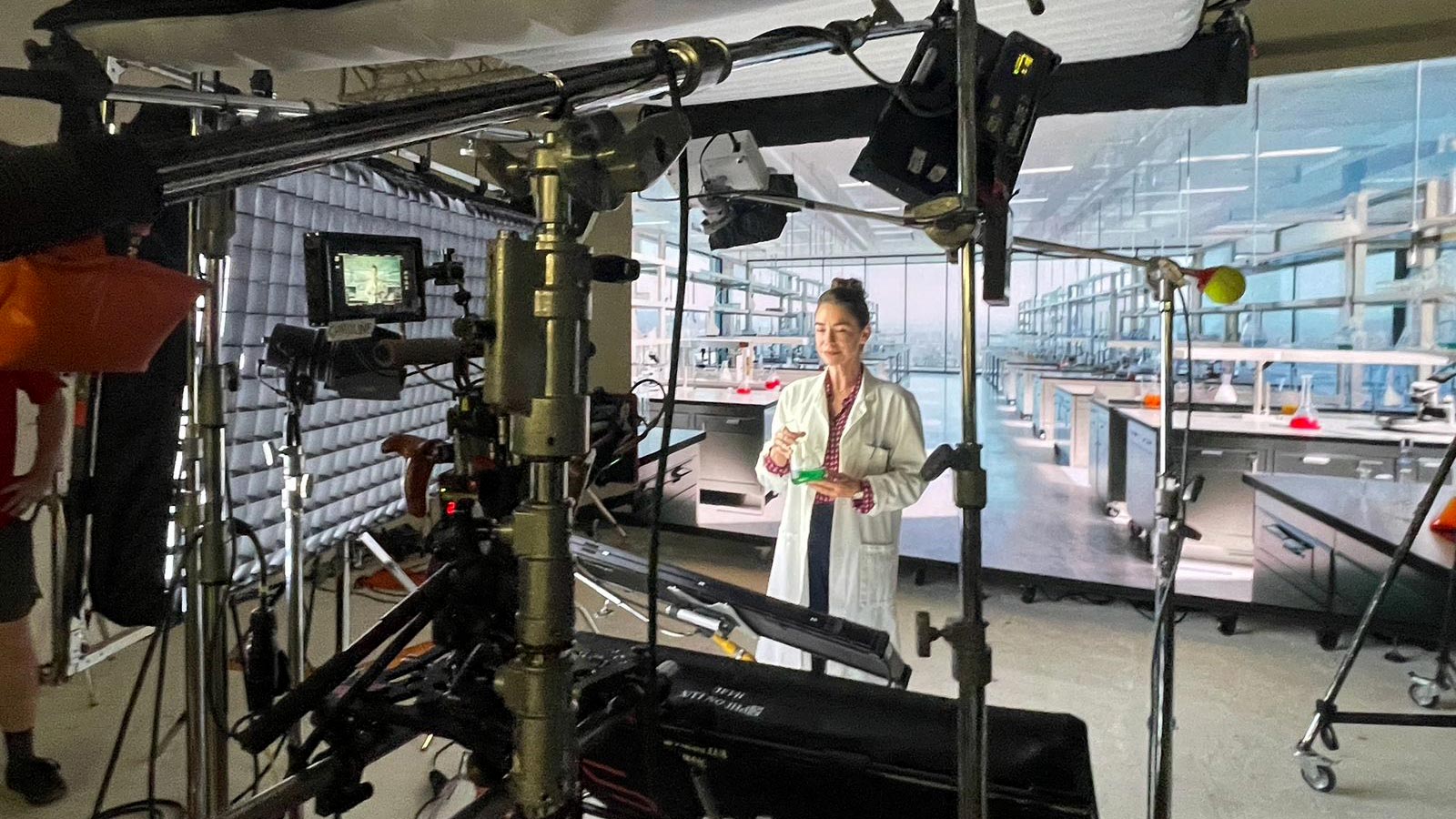
Presenters & digital sets
Record presenter-led segments, explainers and branded content against an agreed screen environment. Discuss sound, autocue, capture and any live-output requirements in advance.
Plan your shoot: Send the scripts, number of presenters and the intended recording or streaming workflow.
Discuss your virtual production studio shoot ↗A studio that works around the shoot
Bring the brief early. We’ll help you plan the space, preparation and equipment so you know what to expect on the day.
Give the director, performer and camera team a visible setting to work with. Combine the screen with practical lights and foreground elements for the intended shot.
Use Resolume for playback plates, or discuss an Unreal Engine and nDisplay setup with HTC Vive Mars tracking. The shot, content and camera movement determine the approach.
Every virtual-production booking includes a dedicated in-house technical specialist. Plan content delivery and testing ahead of the shoot so the crew arrives with a clear setup.
Choose your workflow
Use prepared motion plates or graphic content for a planned composition. Share sample files, timing and the shot list so we can agree scaling, framing and playback before the day.
Plan a real-time scene with HTC Vive Mars tracking where the production needs camera-dependent perspective. Discuss asset readiness, camera tracking, synchronisation and testing with the technical team.
Content resolution, clearly explained. The LED wall is natively 1728 × 960. Suitable 1080p and 4K source files can be scaled to fit; the physical pixel count remains 1728 × 960. Send a sample so we can plan the image and framing together.
The practical details
| LED wall | 4.5m wide × 2.5m high; modular panels |
|---|---|
| Native resolution | 1728 × 960 pixels |
| Source content | 1080p or 4K video can be scaled to the wall |
| Pixel pitch | P2.6mm |
| Brightness | Approximately 1,200 nits |
| Contrast | 6,000:1 |
| Refresh rate | At least 3,840Hz; camera testing required |
| Viewing angle | At least 160° |
| Playback | 4K plates via Resolume |
| Real-time workflow | Unreal Engine via nDisplay |
| Sync & processing | Gen-lock; Colorlight processors |
| Camera tracking | HTC Vive Mars |
| Media servers | Current GPU-based media servers; confirm project needs |
Tell us your shot list, crew size and technical requirements. We’ll confirm the configuration, inclusions and preparation in your quote.
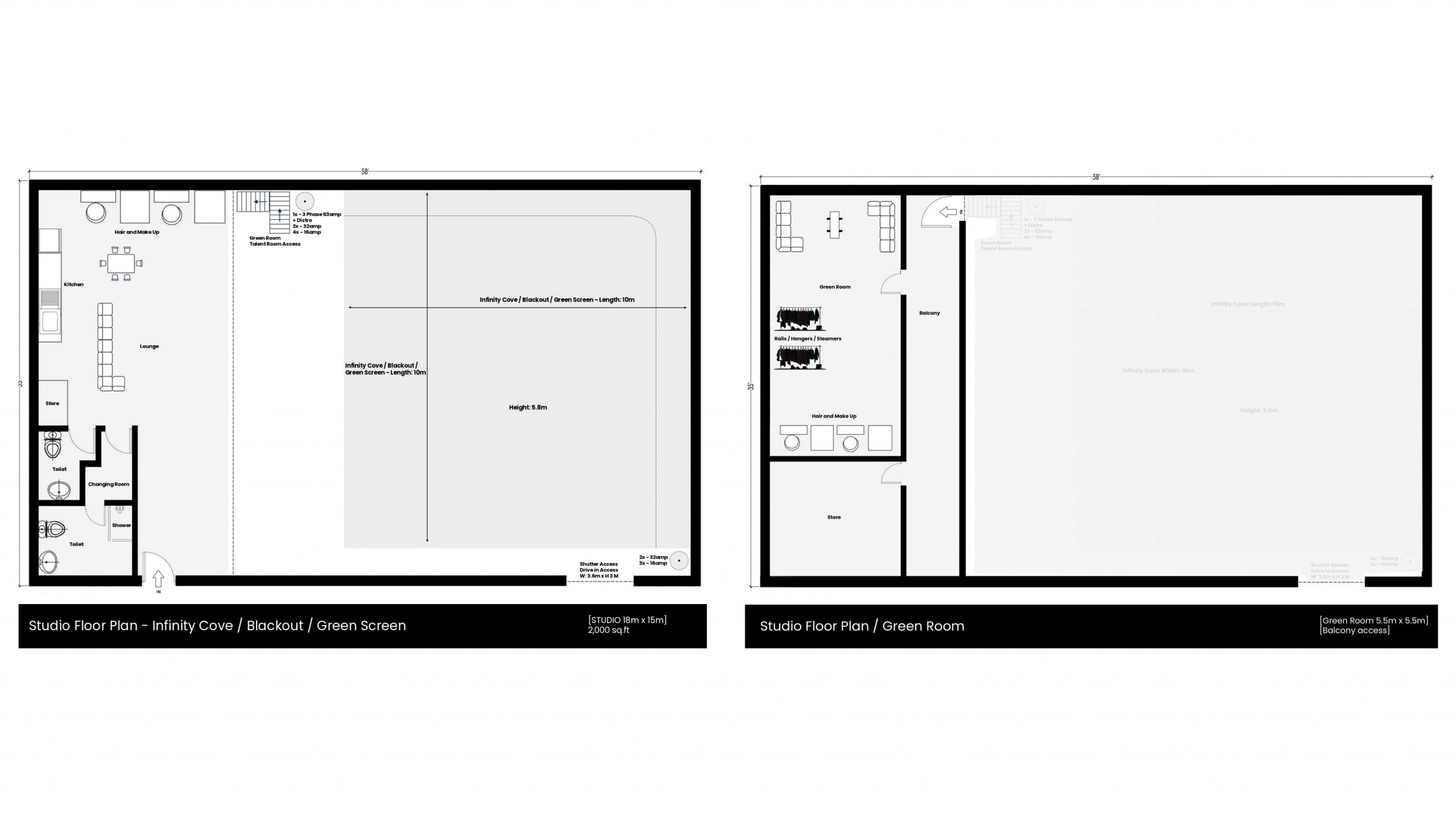
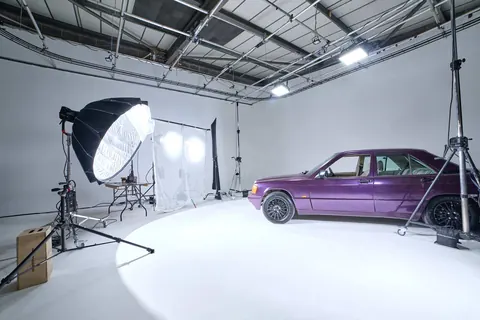
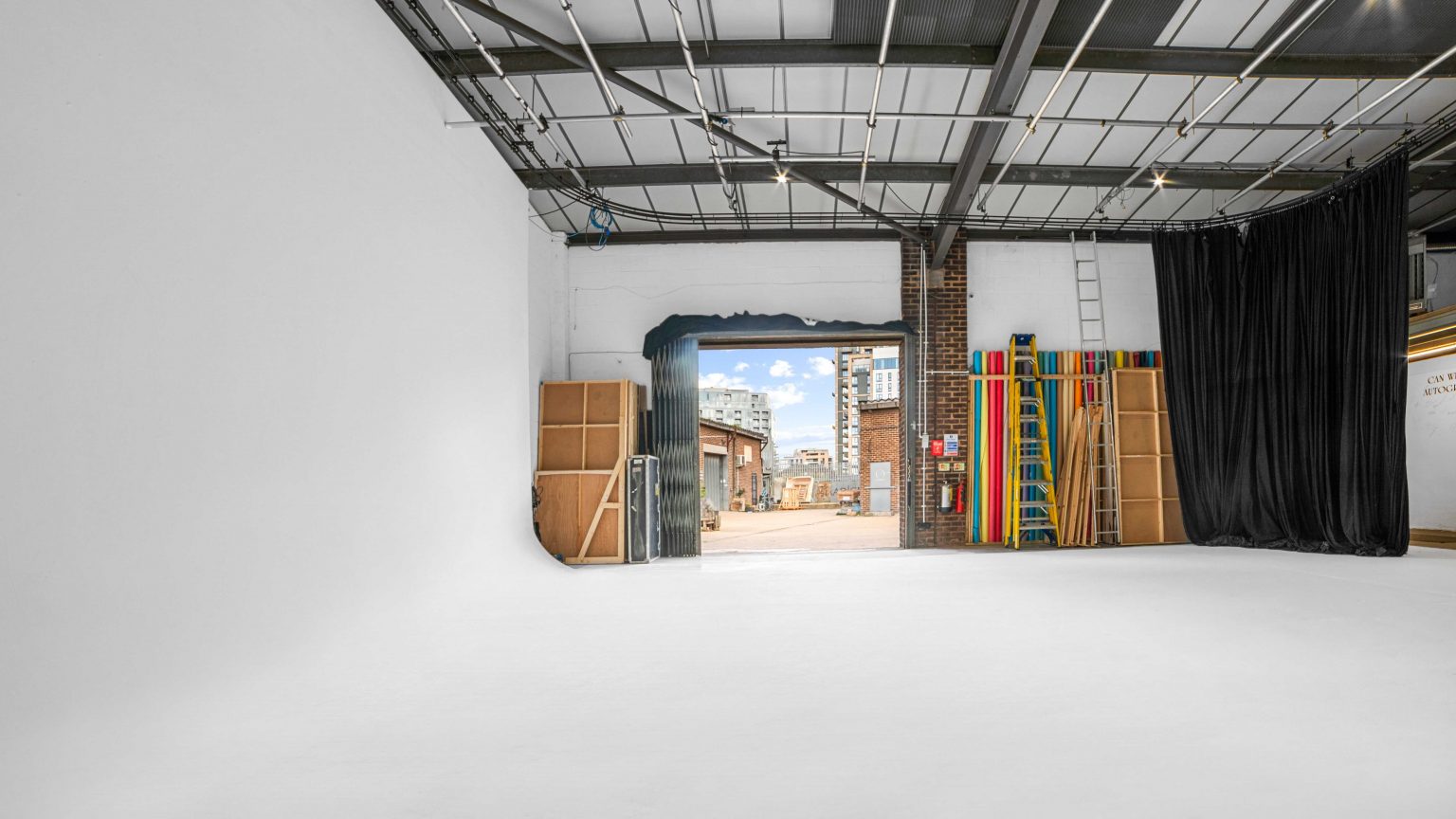
Studio layout for planning. Confirm the working area, equipment and camera positions for your chosen setup.
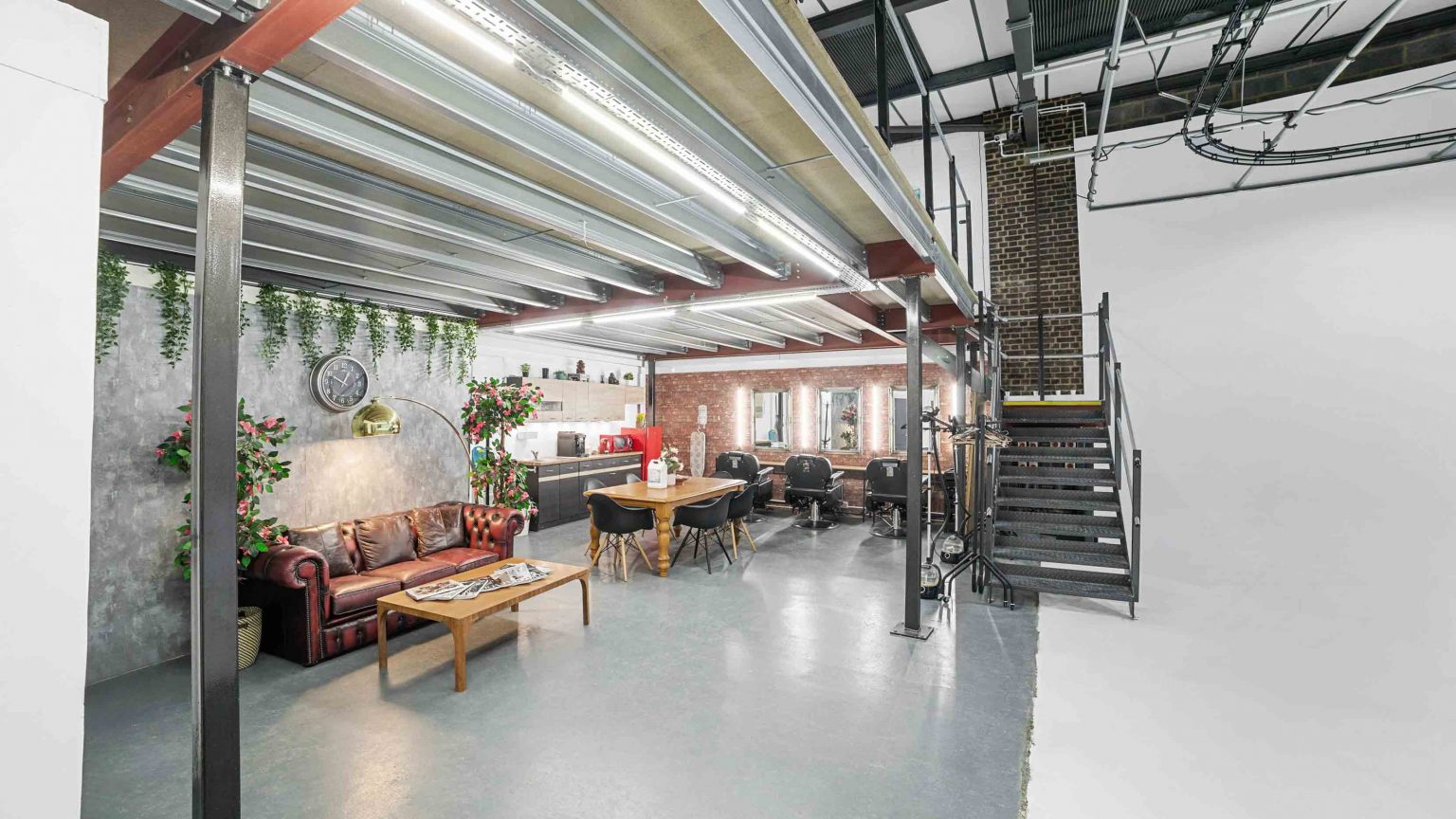
For the whole production
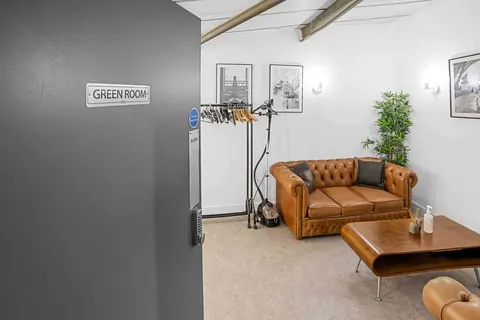
Make-up stations, changing space, a green room and kitchen support the work happening on set. Ground-floor loading and free on-site parking help with arrival; agree vehicle numbers and timings with our team.
From first idea to shoot day
01 · YOUR BRIEFSend dates, references and the shots you need. Include crew size, working hours and anything that needs special preparation.
 02 · YOUR SETUP
We’ll check availability and confirm the layout, equipment, support and cost. Arrange a recce or technical test where it will help.
 03 · YOUR SHOOT
With the booking and preparation agreed, bring your crew and work to the planned schedule. Include load-in, setup and pack-down time.
Useful answers before you book
Have a specific setup in mind? Tell us what the shoot needs and we’ll talk it through.
The wall’s native resolution is 1728 × 960. We can accept suitable 1080p or 4K video and scale it to fit. Source resolution and physical LED resolution are different: using a 4K file does not make the wall a native 4K display.
A playback plate can suit a planned frame and background motion. A tracked Unreal workflow can support perspective changes with camera movement. Share the shot list so the technical team can recommend and quote the appropriate setup.
Yes. Every virtual-production booking includes a dedicated in-house technical specialist. Confirm the content-preparation, rehearsal and shoot schedule in your booking.
Tell us what you already have and what still needs creating or preparing. We will agree the assets, licensing, formats, frame rate, delivery timing and any additional content work before the shoot.
Share the camera, lenses, frame rate and shutter settings in advance. Pixel pitch, distance, focus, synchronisation and exposure affect the recorded result. The refresh specification alone is not a guarantee for every camera setup; plan a test where needed.
Ground-floor drive-in access is available for suitable vehicles. Send dimensions and the exact frames you need. We will confirm access, wall coverage, camera position and the working layout.
Yes, plan practical subject lighting around the screen and the desired look. Depending on the shot, grading, cleanup or additional VFX may still be needed. The team will help define the production requirements.
Contact us as early as possible with dates, shot references, content status and technical details. More preparation time helps with asset checks, camera tests and any tracked-scene setup.